
Email Marketing Made Easier
Mailpai - Wordpress Plugin
Transactional • Newsletter • Email Marketing with Amazon SES & Others
Bring your own key (BYOK) and Connect any providers including Amazon SES. Route WooCommerce, Newsletters, Outreach and WordPress mail separately. Unlimited contacts, emails, newsletters, campaigns, safe sending. Best for self-hosted email marketing and automation.
- 15+ native API & SMTP providers
- Specify Connections (for e.g. woocommerce, newsletter)
- Drag & Drop template builder, form builder
- Safe Sending, Limiter, Tracking, and Analytics
Our Wordpress plugins
Lightweight plugins to power your transactional, newsletter, and marketing automation.


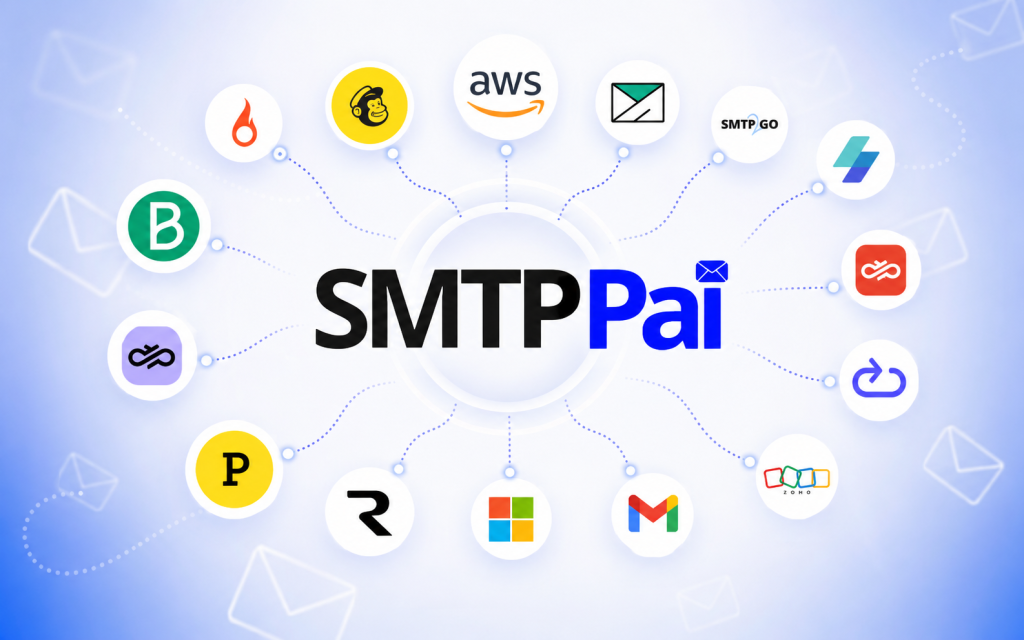

Self Hosted Email marketing with WordPress
MailPai is WordPress-native email marketing: newsletters, campaigns, contacts, lists, segments, and subscribe forms — without a separate ESP dashboard.
Bring your own key (BYOK), send unlimited contacts and emails through your providers, and keep marketing mail next to the site that owns your audience.

Contacts, lists & subscribe forms that stay on your site
Build contact lists, sync WordPress users, import and export CSV, and grow with subscribe forms and shortcodes. Segment audiences for newsletters, announcements, and product updates.
Preferences and signed unsubscribe flows keep list growth compliance-ready while you stay inside wp-admin.

Campaigns, templates & analytics in one WordPress workspace
Draft campaigns, use starter templates, and design with a visual drag-and-drop email builder. Schedule sends, warm up delivery, set limits, and queue mail with WP-Cron or server cron.
Track performance with opens, clicks, campaign reports, and an analytics dashboard — so every newsletter and outreach campaign is measurable.

WordPress SMTP & transactional email that delivers
SMTPPai fixes “WordPress not sending email” by routing wp_mail through authenticated providers instead of blocked PHP mail. WooCommerce orders, password resets, contact forms, and admin notices land in the inbox — not spam.
Free forever SMTP connections with no paid tier for core delivery: native API and SMTP mailers, test email, email log, and retry when a send fails.
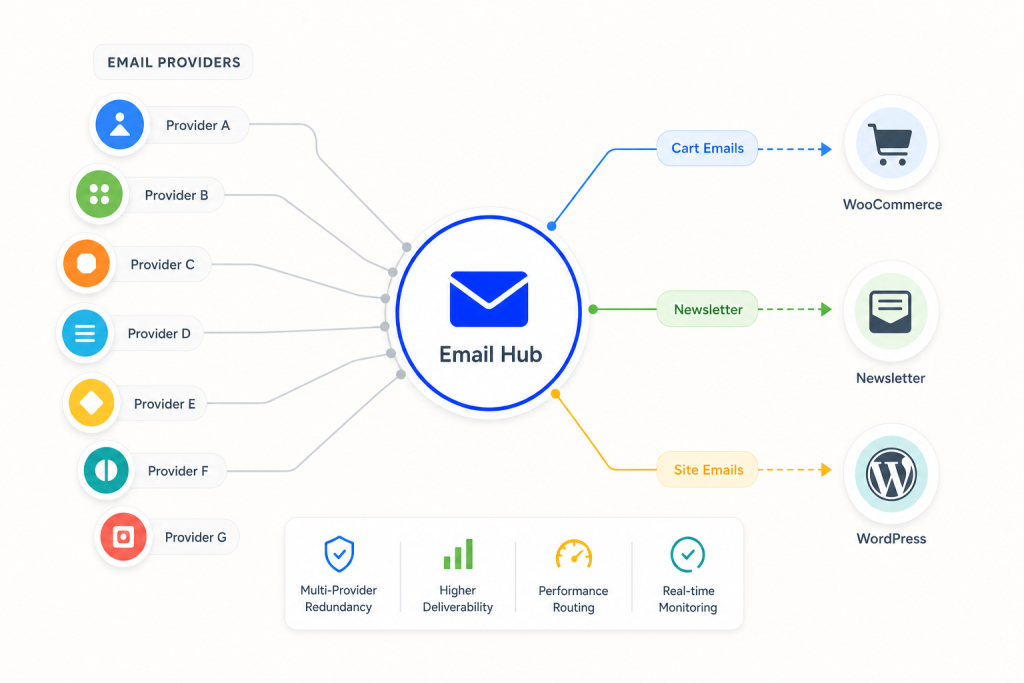
15+ providers including Amazon SES - multi-route sending
Connect Amazon SES, SendGrid, Resend, Mailgun, Postmark, Brevo, Gmail, Microsoft 365, and more. Prefer native HTTP APIs where they matter; use SMTP or OAuth when you need it.
Multi-route connections assign WordPress mail, WooCommerce mail, newsletter, and outreach to separate providers — so transactional email and marketing email don’t share the same reputation risk.
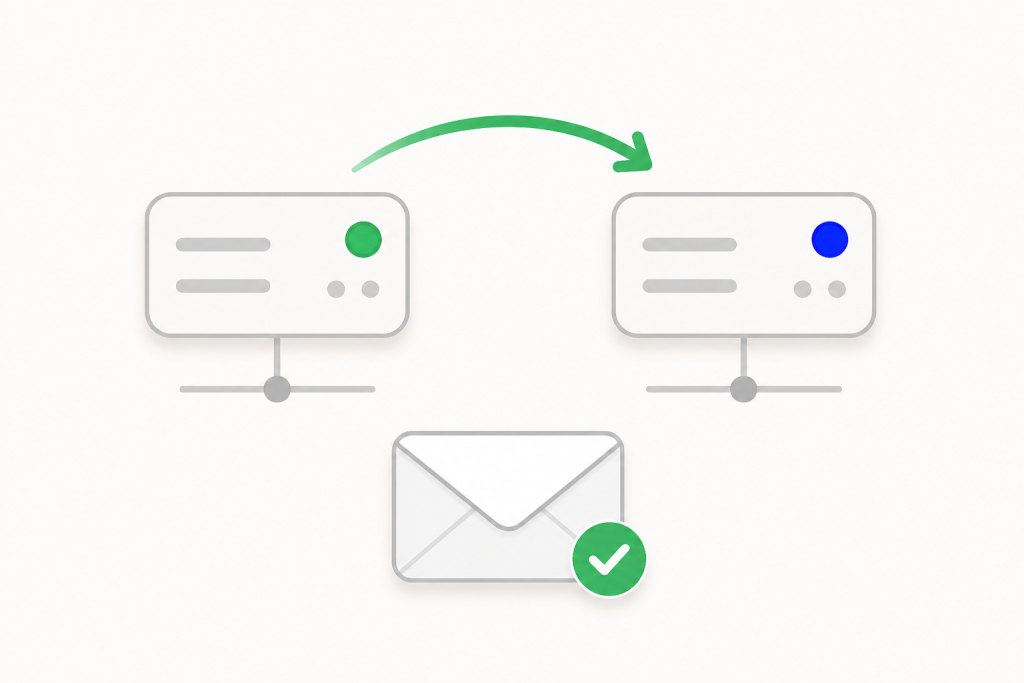
Backup failover, email log & safe sending controls
If a primary connection fails, SMTPPai retries through a backup provider. The email log shows sent and failed status with server responses so you can diagnose deliverability fast.
Safe sending, queues, and route checks keep high-volume WordPress and WooCommerce sites stable while newsletters and campaigns stay reliable.

One system: MailPai markets. SMTPPai delivers.
MailPai handles newsletter and outreach campaigns, contacts, forms, and templates. SMTPPai delivers every message — site mail today, MailPai campaigns when you grow.
Same WordPress infrastructure, BYOK credentials on your site, unlimited connections for delivery, unlimited contacts and emails for marketing — the MailPai stack for modern WordPress email.
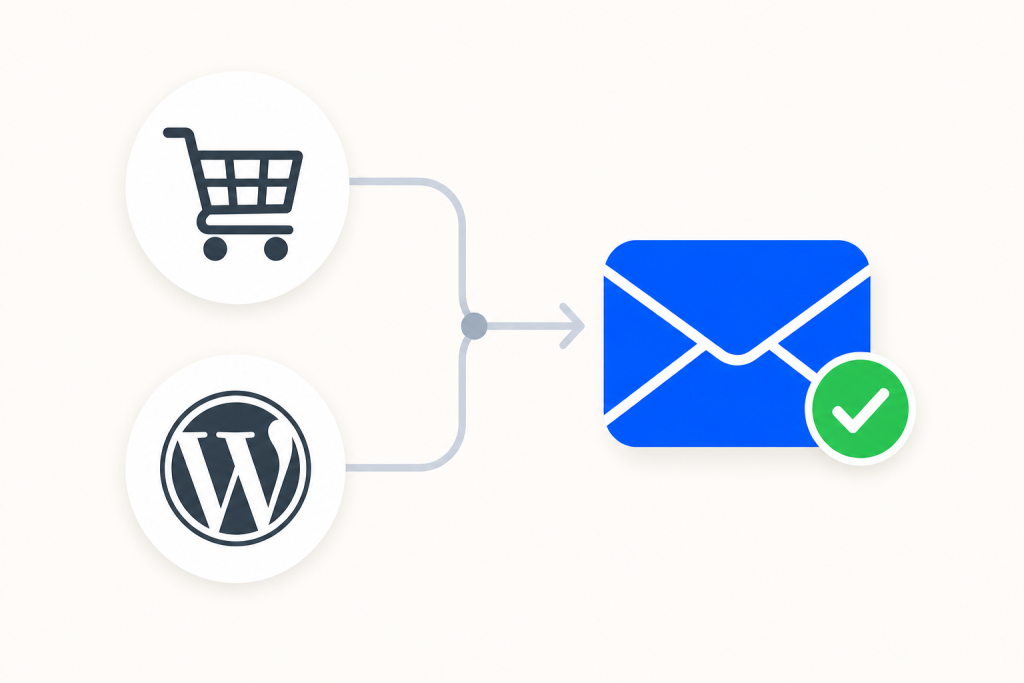
Built for WooCommerce & everyday WordPress mail
Order emails, shipping notices, account mail, and form notifications use wp_mail. SMTPPai routes WooCommerce and WordPress mail through a dedicated connection when you need it.
Pair that with MailPai customer lists, newsletters, and campaign templates so store owners get transactional reliability and marketing growth in one plugin family.


Frequently asked questions
MailPai is a WordPress email marketing plugin for newsletters, campaigns, contacts, lists, segments, subscribe forms, email templates, tracking, and unsubscribe flows. It runs inside WordPress and uses a BYOK (bring your own key) model so you send through your own email providers.
SMTPPai is a free WordPress SMTP plugin that fixes WordPress and WooCommerce email delivery by routing wp_mail() through providers like Amazon SES, SendGrid, Resend, Mailgun, Postmark, Gmail, and Microsoft 365. It supports unlimited connections, multi-route sending, backup failover, and an email log.
SMTPPai delivers mail. MailPai runs email marketing. Use SMTPPai for transactional email (orders, password resets, forms). Use MailPai for newsletters, campaigns, contacts, and forms. Together they are one WordPress email stack: MailPai markets, SMTPPai delivers.
Yes. SMTPPai includes unlimited connections, native API mailers, Specify Connections (multi-route), backup failover, and an email log with no paid tier for core delivery. Your email provider (for example AWS SES) still bills their own usage.
Yes. SMTPPai connects Amazon SES with the native SES API (IAM keys), which is usually more reliable than SMTP-only on shared hosting. MailPai campaigns can send through SMTPPai once SES (or another provider) is connected and tested.
It helps solve the common cause: hosts blocking PHP mail() or missing authenticated sending. SMTPPai sends through SES, SendGrid, Resend, or another authenticated provider. You should still set up SPF, DKIM, and DMARC on your domain for best inbox deliverability.
Yes. WooCommerce order and notification emails use wp_mail(). After you add and test an SMTPPai connection, store mail can route automatically. With multi-route, you can also assign WooCommerce mail to a separate provider from newsletters or WordPress core mail.
Multi-route lets you send different mail types through different connections: WordPress mail, WooCommerce mail, newsletter, and outreach. That keeps transactional email and marketing email from sharing the same sending reputation when you need separation.
SMTPPai supports 15+ mailers including Amazon SES, SendGrid, Resend, Mailgun, Postmark, Brevo, Mailjet, SparkPost, Gmail / Google Workspace, Microsoft 365 / Outlook, and generic SMTP. Native API mailers use HTTPS; Gmail and Microsoft can use OAuth.
BYOK means bring your own key. You connect your own Amazon SES, SendGrid, Resend, or SMTP credentials. Your keys stay on your WordPress site. You keep provider billing and sending reputation under your control instead of renting a closed email platform.
MailPai is designed for unlimited contacts and unlimited emails within your own provider limits. SMTPPai is free forever for connections and routing. Actual send volume depends on your Amazon SES (or other provider) plan and account limits.
A WordPress site and an email provider account (Amazon SES, SendGrid, Resend, Gmail, etc.) or SMTP credentials. Install SMTPPai, connect and test. Optionally install MailPai for newsletters, contacts, campaigns, and subscribe forms.
Yes. MailPai handles newsletter campaigns, templates, contacts, and subscribe forms inside WordPress. Delivery goes through SMTPPai so newsletter mail uses the same reliable multi-route SMTP / Amazon SES stack as the rest of your site.
Usually yes, if the form sends mail through WordPress wp_mail(). Once SMTPPai’s first connection is ready, form notifications route through your provider. Check the SMTPPai email log if a form message fails.
SMTPPai core delivery is free. MailPai adds marketing features with Free and Pro tiers (for example analytics, contact import, Visual drag & drop template builder, WooCommerce / WordPress template add-ons, branding controls). Check the pricing section on this page for current plans.
WordPress site owners, WooCommerce stores, agencies, and teams who need reliable transactional email and want newsletters or campaigns without leaving WordPress. If forms, order emails, or password resets fail — or you need BYOK Amazon SES marketing — this stack is built for you.


